An AI ad generator for products and services
YenzaNow is AI marketing software for small businesses. You tell it what you want to promote and add a photo; it makes campaign images and captions in your brand’s look and voice, and you approve, download and share them yourself. It is a tool you use, not a full-service agency.
This page explains what the ad generator makes, how a campaign comes together and where you still need to check the result.
What you get from one campaign
- A set of ad images built around the thing you want to promote.
- Captions and headlines written for the goal you choose: sales, enquiries, bookings or awareness.
- A consistent look across every image, based on your brand colours, type and voice.
- Files you download and post on the channels you already use.
It works for services as well as products
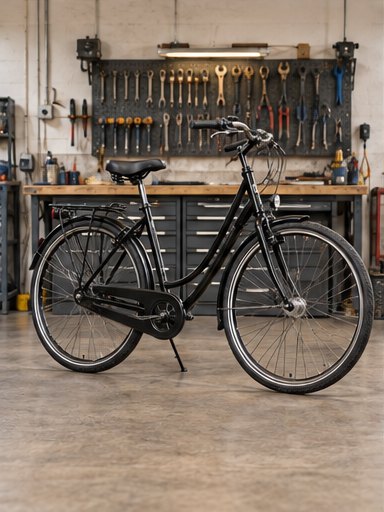
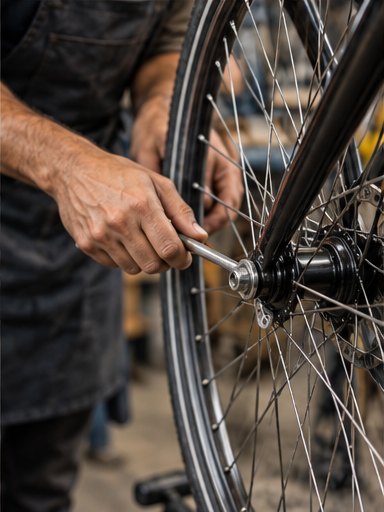
A product campaign starts from a photo of the item. A service campaign starts from a photo of your work, your space or your team — a finished haircut, a clean kitchen, a repaired bike. The goal you choose changes the message: a product ad leans on the item and a clear reason to buy, a service ad leans on trust, availability and how to get in touch.
How a campaign comes together
Say what you want to promote
One product, one service or one offer per campaign. Specific beats general: “weekend blow-dry appointments” works better than “my salon”.
Add a real photo
Use a clear, well-lit photo of the actual thing. The images are built from it, so a sharper photo gives a more accurate result.
Choose a goal
Sales, enquiries, bookings or awareness. This decides the headline and the call to action.
Review, then share
Check every image and caption, change what is wrong, then download and post.
Example brief
Example brief — fictional business
- Business
- A mobile bike repair service
- Promote
- Same-week tune-ups
- Goal
- Enquiries
- Photo
- A bike on the workstand, wheel off
- Sample caption
- Your bike, ready for the weekend. Book a tune-up this week — message us for a quote.
Honest limitations
- AI images can change small details: label text, logos, stitching, exact colours. Compare every image with the real product before you post.
- It does not invent your prices, opening hours or offers. Add those yourself and check them.
- It makes the creative work. It does not replace a strategist, run your accounts or guarantee results.
- If an image misrepresents what you sell, do not use it — accuracy matters more than polish.
Questions
Do I need design skills?
No. You choose what to promote, add a photo and pick a goal. You do need to review the result.
Can I use it for a service business?
Yes. Use a photo of your work or premises and choose enquiries or bookings as the goal.
How can I share the ads?
You can download the images and captions and post them on the channels you use.
What does it cost?
Current plans and prices for your country are shown in the pricing section of the homepage.
Related
- AI product photography — New scenes from the product photos you already have.
- Social media content — Images and captions ready to post.
- Industries — Promotion ideas for salons, cafés, fashion and services.
- Guide: one product photo into a campaign — A worked example with a reusable brief.